
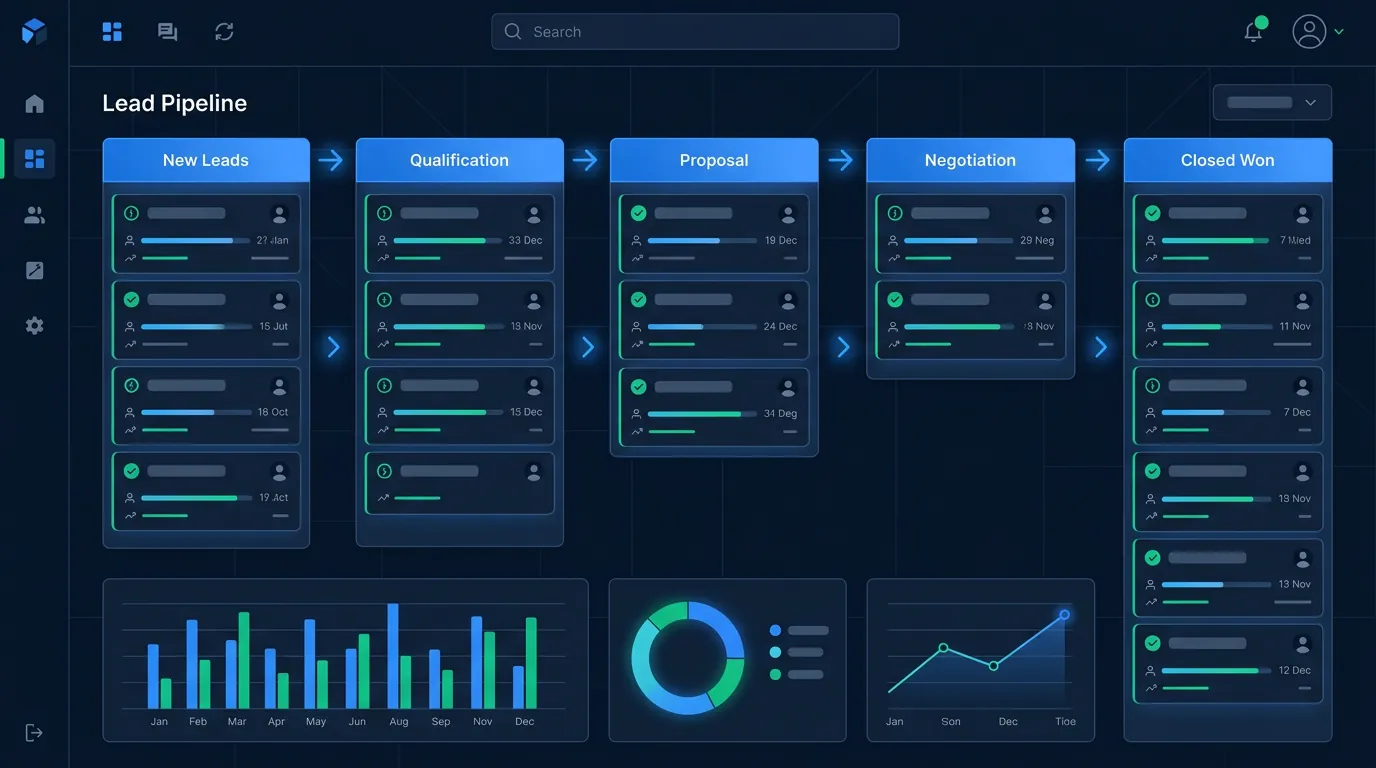
Every agency we audit has a CRM. Roughly 30% actually use their CRM as a production system. The difference is not the platform — Radius, AgencyBloc, HubSpot, Go High Level, even a well-configured Pipedrive can all run a real insurance operation. The difference is the configuration. This checklist is the one we walk every new agency client through.
Principles Before Configuration
Three principles sit above any field or rule choice:
- The CRM is the source of truth. If a lead is not in CRM, it does not exist. If a call is not logged, it did not happen. No spreadsheets, no sticky notes, no shared Gmail threads.
- Automate consent boundaries, not conversations. Use automation to enforce DNC, call windows, and opt-out handling. Do not use automation to replace agent judgment in the sales conversation.
- Measure the contact funnel, not just the sales funnel. Dials, contacts, presentations, issued. Any one of these broken in isolation changes your action plan.
Required Lead Fields
Every lead record should carry at minimum:
- Identity: first name, last name, DOB or age, gender, ZIP, state
- Contact: phone (mobile / landline flag), email, best time to call
- Source: vendor, campaign, lead ID, cost, consent URL, TrustedForm or Jornaya token, consent timestamp, sellers named on consent
- Vertical: product interest (MA, Medigap, FE, IUL, etc.), health status flags if captured, income band if captured
- Status: disposition, next action date, assigned agent, last contact timestamp, contact attempt count
- Outcome: application submitted date, carrier, plan, premium, commission, issue date, persistency flags
If your CRM cannot hold all of these today, fix it before buying another lead.
Auto-Dialer Integration
A CRM without a connected dialer is a slow CRM. Two integration patterns work:
- Dialer as front-end: Dialer pulls leads from CRM, agents dial inside the dialer, dispositions flow back to CRM via API or webhook. Best for high-volume call centers.
- CRM as front-end: Agents work inside CRM, one-click dials route through a softphone. Best for consultative sales and lower-volume operations.
Required technical checkpoints:
- Disposition codes must round-trip between CRM and dialer without manual re-entry
- Call recordings must attach to the lead record with 90+ day retention
- DNC scrubs must run automatically on import and re-scrub every 31 days
- Caller ID must be STIR/SHAKEN attested and rotated across pooled numbers
- Abandonment rate reports must be accessible (keep under 3% per TCPA)
Speed-to-Contact Rules
Configure the CRM to make fast contact the default, not the exception:
- New web lead → auto-assigned to agent via round-robin or tier rule within 10 seconds of arrival
- Dialer priority queue auto-inserts new leads ahead of follow-up queue
- SLA alert (Slack, SMS, dashboard) if a new lead is uncontacted after 60 seconds during call hours
- Call hours respect prospect's local timezone (derived from ZIP or area code)
- TCPA call windows enforced: 8 AM - 9 PM local time only, no exceptions
These rules are the difference between the 100% baseline close rate and the 60% close rate at 5+ minute latency.
Call Disposition Codes
Disposition codes are the hidden engine of the entire reporting system. Standardize on a set of 12-18 codes. More than 20 and agents guess; fewer than 10 and you lose resolution.
Recommended baseline set:
- No answer
- Voicemail left
- Busy
- Wrong number
- DNC - agent removed
- Not interested
- Callback requested (with scheduled time)
- Appointment set
- Presentation given - thinking
- Application submitted
- Issued and paid
- Declined by carrier
- Lapsed / chargeback
- Refund requested from vendor
- Bad data (no working number, deceased, wrong demo)
Follow-Up Cadences by Vertical
Medicare Advantage / T65:
- Day 0: 3 call attempts within 2 hours, SMS if no contact
- Day 1: 2 calls, email 1
- Day 3: 2 calls, SMS 2
- Day 7: 1 call, email 2
- Day 14: 1 call, SMS 3 (final)
- Total: ~12 touches over 14 days
Final Expense:
- Day 0: 2 calls within 1 hour, SMS
- Day 1-3: 1 call per day + SMS on day 2
- Day 5, 7, 10, 14: 1 call each, mixed morning/afternoon/evening
- Total: ~10 touches over 14 days
IUL / Tax-Free Retirement:
- Day 0: 1 call + email within 10 minutes
- Day 1: 1 call + educational email
- Day 3: 1 call + case study email
- Day 7: 1 call + illustration offer
- Day 14 and 21: 1 call each, quarterly follow-up thereafter
- Total: 6-10 touches across 30 days, long tail
TCPA-Safe Automation
Automation that violates TCPA is worse than no automation. Safe patterns:
- SMS requires express written consent for marketing. Transactional texts (appointment confirmations, scheduled callback reminders) after a conversation are lower risk but still require opt-in documentation.
- Email automation can be more liberal but must respect CAN-SPAM: physical address in footer, one-click unsubscribe, honor opt-outs within 10 days.
- Auto-dialer with pre-recorded messages requires PEWC under TCPA. Most agencies should avoid pre-recorded entirely.
- Do-not-call requests must propagate across CRM, dialer, and any connected marketing automation within 24 hours and permanently.
Reporting Must-Haves
At minimum, your CRM should surface on-demand:
- Dials per agent per day
- Contacts per agent per day
- Presentations per agent per week
- Close rate by agent / lead source / state / week
- Speed-to-contact distribution
- Cost per acquisition by lead source
- Persistency by issue month
If any of these take more than 30 seconds to pull, your reporting is under-built.
Working through this checklist yourself is entirely doable; the shortcut is starting from a CRM where most of it is preconfigured. The InsureLeads CRM arrives with per-vertical pipelines, typed fields, and lead routing in place (see how our insurance CRM software is set up), and a done-for-you build covers the rest if you would rather not spend the week on it.
Frequently Asked Questions
Which CRM is best for insurance agents?
There is no single best. Radius, AgencyBloc, and HubSpot with an insurance overlay all run real agencies. Configuration matters more than brand. See our help-center CRM and integrations topic.
Can I run an insurance operation on Google Sheets?
Up to roughly 2 agents, yes. Beyond that, you lose too much on speed-to-contact, reporting, and compliance.
Do I need separate software for dialer and CRM?
Usually yes. The best-in-class CRMs and best-in-class dialers are different companies. Integrate via API or webhook.
How long does a production CRM setup take?
2-6 weeks end-to-end including data migration, dialer integration, disposition training, and automation build. Budget one full-time week of owner time.
How should I handle consent documentation inside CRM?
Store the consent URL, disclosure snapshot, TrustedForm or Jornaya token, and seller list on each lead. Auto-alert if any field is missing before the lead is called.
What is the single highest-ROI CRM configuration change?
Sub-60-second routing of new leads to a dialer queue with SLA alerting if uncontacted after 60 seconds.
Can I integrate multiple lead vendors into one CRM?
Yes. Most vendors post leads via API, webhook, or standardized LeadPOST format. Use a single common schema so reports can compare sources apples-to-apples.
Build Your CRM Like a Production System
If you want a second set of eyes on your CRM configuration, contact us or book a 30-minute audit. We will walk your setup end-to-end and flag the three highest-impact fixes.